How to Rank a New Website on Google in 2026
Starting a website is exciting, but getting visitors can be challenging. If you’re wondering how to rank a new website on Google, the good news is that you can start improving your visibility with the right SEO strategy. You don’t need a huge budget or thousands of backlinks to begin. Instead, focus on useful content, smart keyword research and a website that works well for visitors.
In 2026, successful website growth depends on giving people helpful answers and making it easy for search engines to understand your pages. Whether you run a blog, online business or personal website, these practical SEO tips can help you build a strong foundation and attract organic traffic.
1. Choose the Right Keywords Before Writing
Keyword research is one of the first steps in SEO for a new website. Before creating blog posts, find out what your target audience searches for on Google.
Start with specific phrases that match your website’s topic. For example, if you have a digital marketing blog, you could target:
- Best free AI tools for beginners
- How to improve Instagram reach
- SEO tips for small businesses
- How to start a blog in 2026
- Best freelancing skills to learn
These specific phrases are often easier to match with a focused article than broad terms such as “marketing” or “technology.”
You can use Google Keyword Planner, Google Trends and Google’s search suggestions to find topic ideas. Additionally, check the questions and related searches shown in Google results.
Tip: Choose one main focus keyphrase for each article. Then use related phrases naturally in your headings and content.
2. Publish Helpful, Original and SEO-Friendly Content
Quality content is one of the most important parts of a long-term SEO strategy. However, publishing many articles without offering useful information will not automatically improve your Google rankings.
Instead, create content that answers real questions and gives readers something useful.
For every blog post:
- Write a clear and engaging introduction.
- Organize information with H2 and H3 headings.
- Use short paragraphs and simple language.
- Include examples, practical tips and useful steps.
- Answer common questions about the topic.
- Check facts and link to reliable sources.
Furthermore, avoid copying content from other websites. Add your own examples, explanations and useful insights to make every article valuable.
Google recommends creating helpful, reliable and people-first content rather than publishing pages mainly to manipulate search rankings. Read Google’s guide to creating helpful content for more guidance.
3. Optimize Every Page With On-Page SEO
On-page SEO helps Google and visitors understand what each page is about. Therefore, optimize the important elements of every blog post.
Focus on these areas:
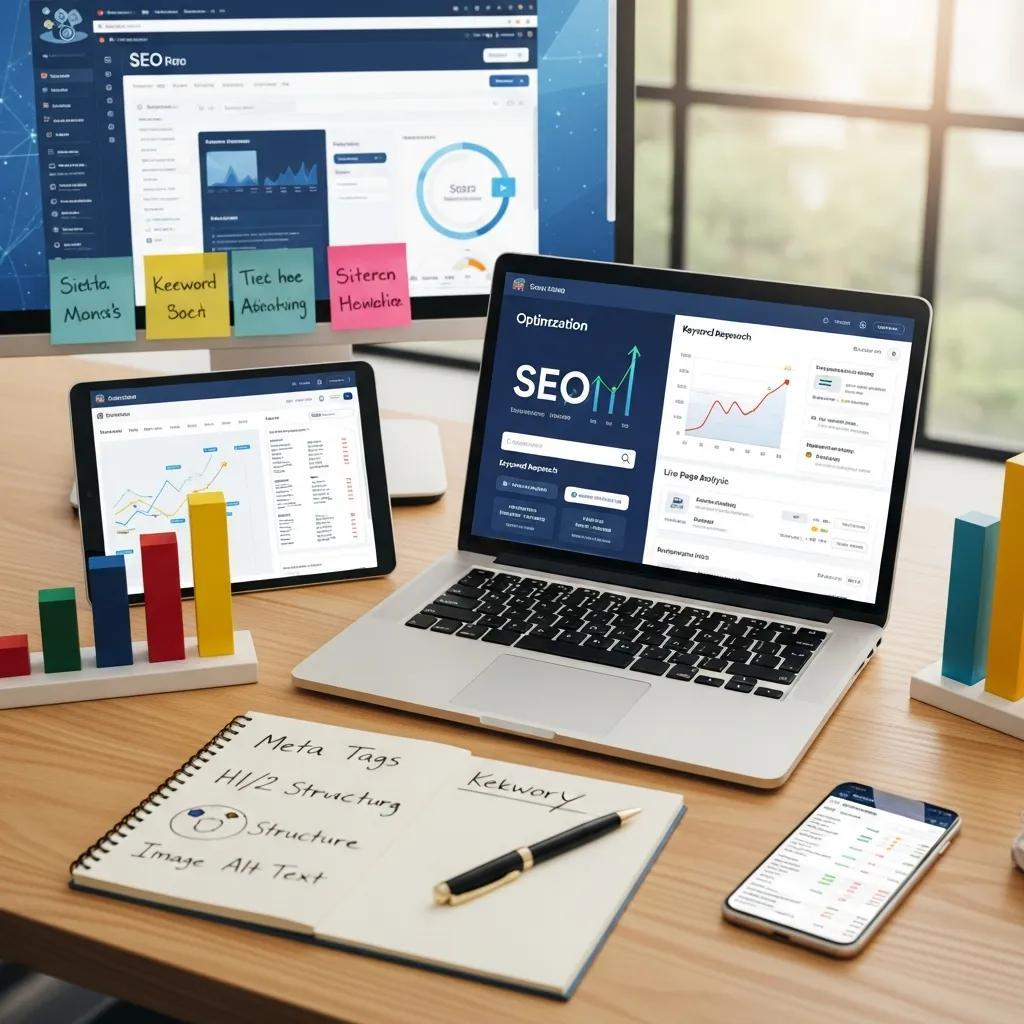
- SEO title: Include your main keyword naturally and make the title clear.
- Meta description: Write a short summary that encourages people to visit your page.
- URL slug: Use a short, descriptive URL.
- Headings: Organize your content with relevant H2 and H3 headings.
- Image alt text: Describe images clearly and accurately.
- Internal links: Connect related articles on your website.
For example, if your article is about website SEO, a clear URL could be yourwebsite.com/new-website-seo/.
Additionally, use your main keyword in the introduction and relevant headings. However, avoid repeating it unnaturally just to increase keyword density.
4. Set Up Google Search Console
One important step for every new website is connecting it to Google Search Console.
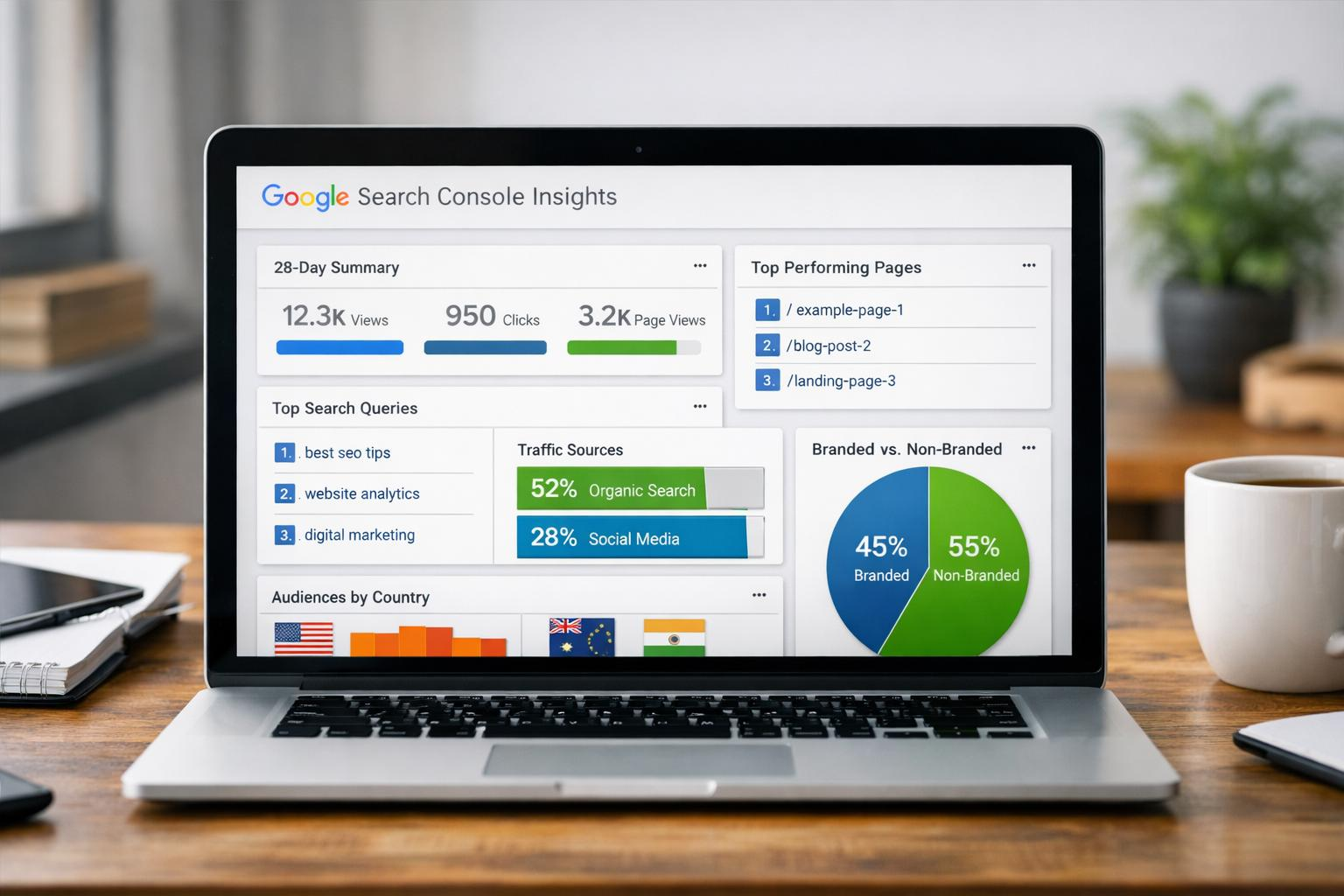
Google Search Console is a free tool that helps website owners understand how their pages perform in Google Search. It also provides information about indexing, search queries, clicks and technical issues.
After setting up your website:
- Open Google Search Console.
- Add your website as a property.
- Verify that you own the website.
- Submit your XML sitemap.
- Check the Pages or Indexing report for problems.
- Use URL Inspection to check important pages.
A sitemap helps Google discover your website’s URLs. However, submitting one does not guarantee that every page will be indexed or ranked.
If you use WordPress with Yoast SEO, your XML sitemap is usually created automatically. You can find its sitemap link in your Yoast settings or by checking your website’s sitemap index.
5. Make Sure Your Website Is Fast and Mobile-Friendly
Website performance matters because visitors expect pages to load smoothly on phones, tablets and computers.
If your website takes too long to load, visitors may leave before reading your content. Therefore, improve your website’s performance wherever possible.
Try these steps:
- Compress large images before uploading them.
- Choose a reliable hosting provider.
- Use a lightweight WordPress theme.
- Remove plugins you no longer need.
- Enable caching where suitable.
- Make sure your website works well on mobile devices.
You can also test your pages using Google PageSpeed Insights. It provides performance reports and suggestions for improving your website.
6. Build Internal Links Between Related Articles
Internal linking means connecting one page of your website to another. It helps visitors discover more content and gives search engines useful paths to find your pages.
For example, if you publish an article about Instagram marketing, you can link to another post about social media trends or AI marketing tools.
To build a strong internal linking structure:
- Link to related articles naturally.
- Use clear anchor text that describes the destination.
- Link to important pages from relevant blog posts.
- Add links to older articles when publishing new content.
- Avoid adding links that do not help the reader.
As your website grows, these connections can help create useful topic groups and make your content easier to explore.
7. Get Quality Backlinks From Relevant Websites
Backlinks are links from other websites that point to your website. They can help people discover your content and may support your site’s authority when earned naturally.
However, not all backlinks are useful. Focus on relevant websites and genuine opportunities rather than buying large numbers of links.
Here are some ways to earn quality backlinks:
- Write useful guest posts for relevant websites.
- Publish original research or helpful resources.
- Share your articles with industry communities.
- Build relationships with bloggers and website owners.
- Create content that others may want to reference.
Most importantly, avoid spammy link schemes and paid links intended to manipulate Google rankings.
8. Create a Consistent Content Strategy
A new website needs time and regular effort to build a useful collection of content. Therefore, plan your blog topics around the main subjects your audience cares about.
For example, a digital marketing website could create topic groups around:
- AI tools and technology
- Social media marketing
- SEO and blogging
- Freelancing and online earning
Start by publishing helpful articles for each topic. Then connect related posts using internal links.
Instead of publishing random articles every day, focus on creating useful content that supports your website’s main purpose. Update older posts when information changes, and use your analytics to find topics that deserve more attention.
How Long Does It Take for a New Website to Rank on Google?
There is no fixed time for a new website to rank on Google. Some pages may be discovered and indexed relatively quickly, while gaining strong positions for competitive keywords can take much longer.
Results depend on several factors, including competition, content quality, website structure, technical health and the usefulness of your pages.
Therefore, don’t expect instant results. Keep improving your website, check Google Search Console regularly and focus on building content that genuinely helps visitors.
Final Thoughts: Build Your Google Rankings Step by Step
Learning how to rank a new website on Google takes patience, planning and consistent effort. Start with keyword research, publish useful content, improve your website’s performance and connect related articles through internal links.
Additionally, use Google Search Console to monitor indexing and understand how people find your pages. Over time, these steps can help your website build a stronger presence in search results.
Remember, successful SEO is not about finding shortcuts. It is about creating a website that people trust, enjoy using and want to visit again.